
P&O Cruises Freedom Dining: App Hacks & Virtual Queue Survival Guide
How to book a P&O Cruise Freedom Dining table on the Virtual Queuing System
Wondering how the P&O virtual queue works on Iona and Arvia? Managed exclusively through the free onboard My Holiday app (accessible via pocruises.com), this digital system replaces traditional dining sittings. It allows Freedom Dining passengers to virtually line up for the main restaurants from anywhere on the ship, giving you a 10-minute window to arrive at your table once your phone alerts you it is ready.
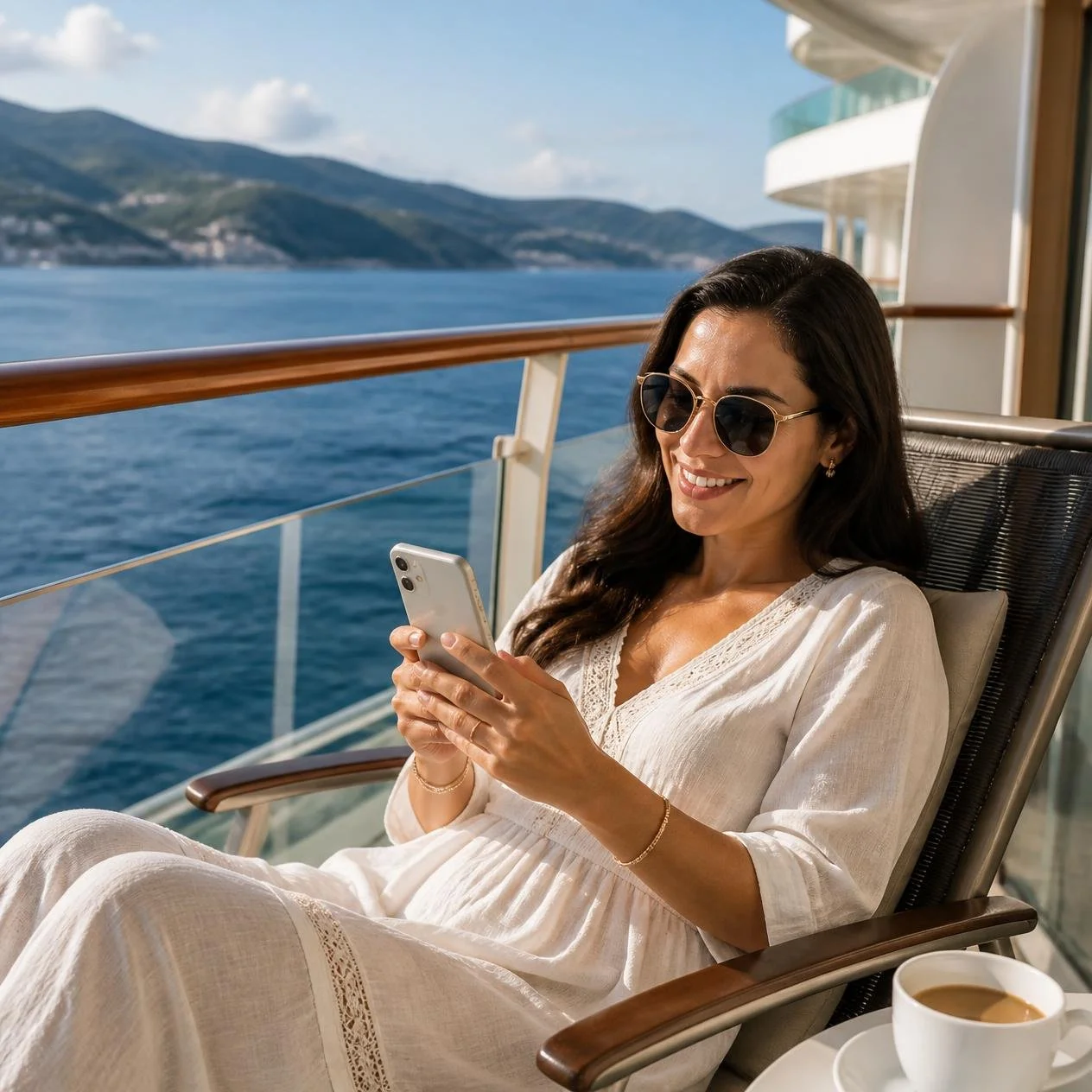
If you want to know everything else this system can do, see our complete guide to Managing the P&O My Holiday Appwhere we break down shore excursions, loyalty club tracking, and entertainment bookings.
Planning a cruise on P&O Iona or Arvia and feeling a bit overwhelmed by how Freedom Dining works? You are definitely not alone.
While the flexibility of eating whenever you want is a fantastic feature of P&O Cruises' newest ships, the shift toward a completely digital virtual queuing system has caused plenty of confusion and anxiety for first-time cruisers. Instead of turning up at a set time, you have to navigate an onboard smartphone app just to secure a table for your evening meal.
In this ultimate survival guide, we break down exactly how to master the My Holiday app, share our tried-and-tested hacks to bypass long waiting times, and reveal how to seamlessly dine as a large group.
Understanding the Freedom Dining App System
If you are sailing on Iona or Arvia, these ships exclusively offer Freedom Dining. This means there are no traditional fixed sittings (like the 6:00 pm or 8:30 pm slots found on smaller ships). Instead, the process is completely fluid and managed digitally.
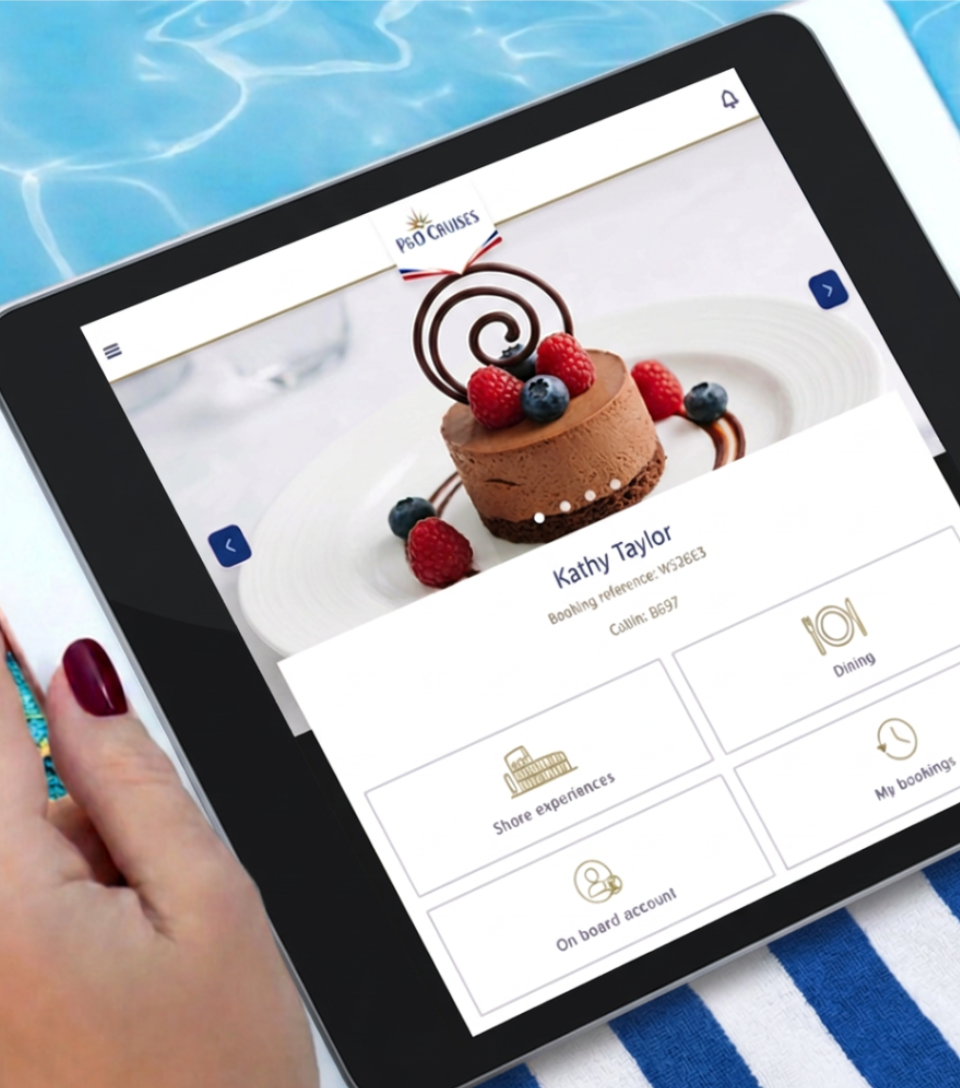
To get started, you do not need to download a heavy app from the app store before you leave home. Once you are onboard, simply switch your phone to airplane mode, connect to the ship's free guest Wi-Fi network, and open your web browser. Type in pocruises.com, and the ship's internal portal will launch automatically.
From this dashboard, you can view the opening times for the main dining rooms - such as Zenith and Meridian on Arvia, or Aqua, Coral, Opal, and Pearl on Iona - and join the virtual queue when you are ready to eat.
Do You Need to Pay for Wi-Fi to Use the App?
This is one of the most common worries for British cruisers - and the hood news is that you do not need paid Wi-Fi. While P&O Cruises charges a daily fee for satellite internet packages to browse external websites, check social media, or send WhatsApp messages, accessing the My Holiday portal is entirely free of charge.
You do need to turn your Wi-Fi on and connect to the ship's network signal, but you do not need to buy an internet package. The network will let you browse every single feature on the dashboard for free throughout your entire sailing.
Step-by-Step: How to Join the Virtual Queue
When your group is ready for dinner, follow these quick steps to get in line:
Switch your smartphone into Airplane Mode: This is the most crucial step. It blocks your phone from connecting to expensive maritime satellite towers. Once airplane mode is on, manually turn your Wi-Fi back on to connect to the free ship network.
Open the My Holiday page on your phone.
Navigate to the dining section and select Freedom Dining.
Choose your preferred restaurant from the available options.
Select the number of guests in your party and click Join Queue.
Keep an eye on your screen. The page will give you an estimated waiting time and count down automatically.
When your table is ready, your phone will buzz, and a notification will display your assigned table number. You then have 10 minutes to present yourself at the restaurant entrance.

Use My Holiday app on smartphone to book restaurants on P&O Cruises Photo Credit: P&O Cruises
Bypassing the Wait: Master the Peak Dining Hours
Because thousands of passengers are trying to eat around the same time, the virtual queue can easily back up on busy sea days. If you join the queue during peak hours, you could face a 45 to 60-minute wait for a table.
The peak dining bottleneck strictly falls between 6:45 pm and 8:15 pm.
If you want to walk straight into a restaurant and get seated almost immediately, use these two simple timing hacks:
The Early Bird Route: Log into the app at 5:30 pm or 5:45 pm right when the dining rooms open. The queue is virtually non-existent at this time.
The Late Night Route: Wait until after 8:30 pm to join the queue. By this time, the initial rush has completely cleared out, and tables free up rapidly.
The Large Group Strategy: How to Link Cabins
Trying to dine with extended family or a group of friends who are staying in different cabins? If you try to join the queue separately, you will end up at different tables on opposite sides of the room.
To eat together, you must link your bookings. You can do this at the shore-side reception desk on Day 1, or you can link them directly inside the My Holiday app by inputting your travelling companions' cabin numbers and booking references.
Once linked, one person in your group can log into the app, select all the relevant passengers, and join the queue as a single large party (e.g., a table for six or eight). Keep in mind that larger tables take longer to clear, so your waiting time will naturally be slightly longer than a standard table for two.
What Happens if Your Phone Battery Dies?
A common fear among cruisers is that their phone will die or lose connection while they are waiting in a lounge for their table to become ready.
If your phone screen goes blank, don't panic. The ship’s dining system still registers your place in line. You can simply walk down to the restaurant podium and speak to the hosts. They have a master tablet displaying the live queue and can manually check your status or tell you if your table number has already been assigned.
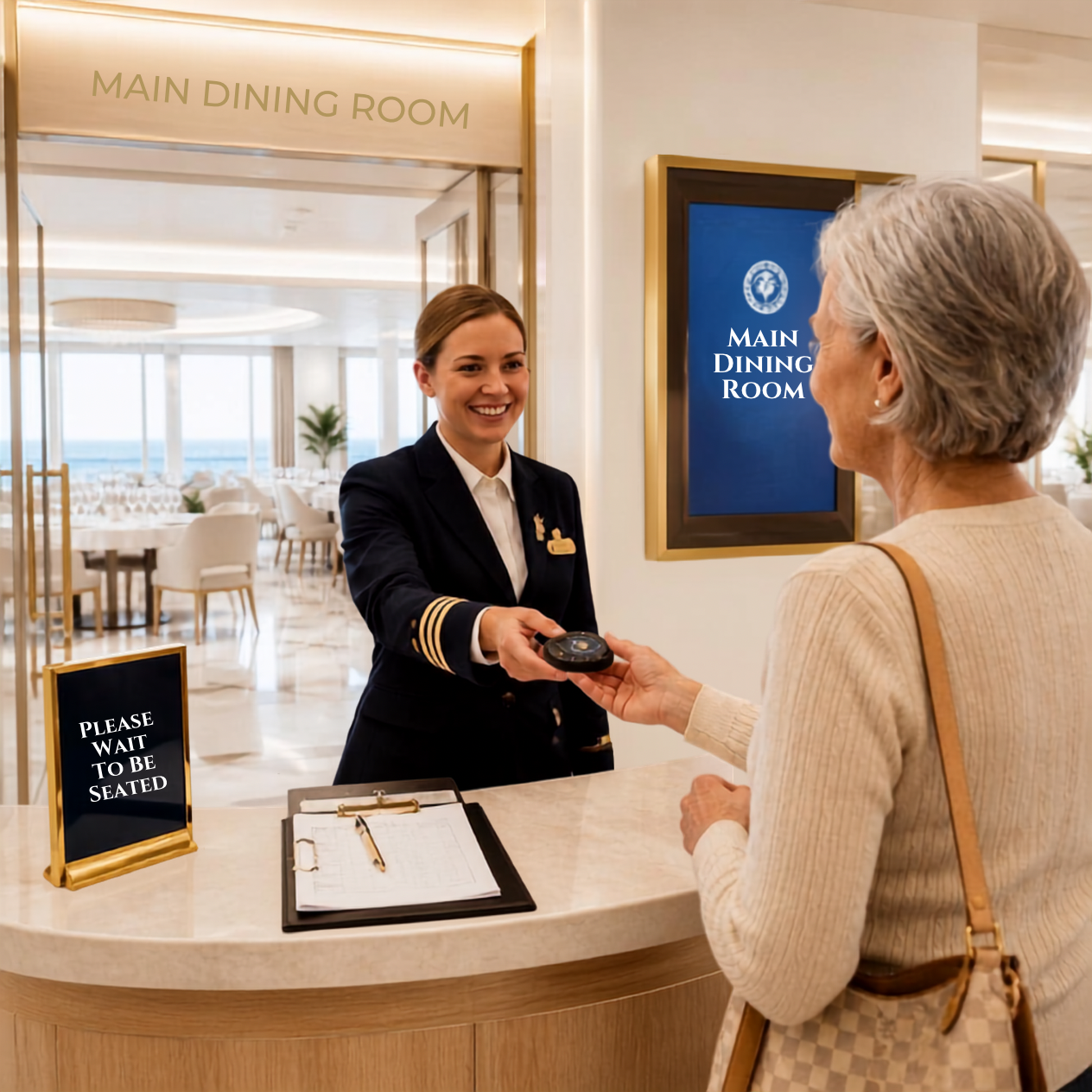
Don’t worry if you don’t have a smartphone - you can pick up a buzzer. Image: Canva AI
What if You Do Not Have a Smartphone?
If you do not own a smartphone, prefer not to use technology while on holiday, or are travelling with elderly relatives who find the digital system confusing, do not panic. P&O Cruises has made sure that passengers without smartphones are not left unable to eat in the main dining rooms.
Instead of using the app, you can simply walk straight down to the restaurant podium of your chosen dining room on Deck 6 or 7 and speak directly with the hosting staff. The crew will manually enter your name and cabin number into their master tablet system. If a table is available immediately, they will seat you on the spot. If there is a wait, they will hand you a traditional physical pager that flashes and buzzes when your table is ready, allowing you to head off to a nearby lounge to wait comfortably.
P&O Cruises Freedom Dining Viritual Queue Frequently Asked Questions (FAQs)
Do I need to pay for internet/Wi-Fi package to use the P&O dining app?
No, you do not need to buy a paid internet or satellite package to use the app. You must switch your phone's Wi-Fi on to connect to the ship's internal network signal, but browsing the My Holiday portal, booking entertainment, and joining dining queues is entirely free of charge for all passengers.
Do I need to put my phone on airplane mode to use the P&O app?
Yes, you must keep your phone on airplane mode the entire time you are at sea. Once airplane mode is active, you simply turn your phone’s Wi-Fi connection back on to access the free My Holiday portal. This completely protects you from accidentally connecting to expensive maritime roaming data, which can trigger massive bills from your UK mobile provider.
Can I join the virtual queue from my cabin?
Yes, you can join the virtual queue from anywhere onboard the ship as long as your phone is connected to the guest Wi-Fi. This means you can get in line while relaxing in your cabin, sitting on your balcony, or enjoying a drink in a lounge.
What happens if I miss my 10-minute table notification window?
If you do not present yourself at the restaurant podium within 10 minutes of your table becoming ready, the system will automatically pass your table to the next group in line. If this happens, you will simply need to log back into the app and join the queue again.
Can I book a specific table number or waiter?
No, the virtual queuing system automatically allocates tables based on real-time availability to keep the restaurants moving efficiently. Because of this automated setup, you cannot request specific tables, window views, or dedicated waiters through the app.
Is the virtual queue used for breakfast and lunch?
No, the virtual queue on the My Holiday app is primarily used to manage the peak demand during the evening dinner service. For breakfast and lunch in the main dining rooms, the ship operates on a standard walk-up basis where you are seated immediately by the hosts at the door.
How do you join the queue if you do not have a smartphone?
If you do not have a smartphone or prefer not to use technology on holiday, simply walk down to the restaurant podium and speak directly to the hosting staff. The crew will manually add your cabin details to their master tablet and hand you a traditional physical pager that flashes and buzzes when your table is ready.
The Lowdown
Our Freedom Dining Verdict
Once you get over the initial learning curve of using your smartphone to order a table, Freedom Dining is incredibly liberating. You never have to rush back from an excursion or cut an afternoon by the pool short just to make a rigid dinner slot.
Our ultimate advice is to be flexible. If you check the app at 7:15 pm and see a 50-minute wait, don't just sit in your cabin. Join the queue, head down to one of the lively lounges on Deck 6 or 7, grab a cocktail, and enjoy the live music while the app does all the waiting for you in the background!
To see what food is actually on rotation inside the restaurants before you join the queue, make sure to read our comprehensive directory of the latest P&O Cruises Main Dining Room Guides.